
Safety and Privacy
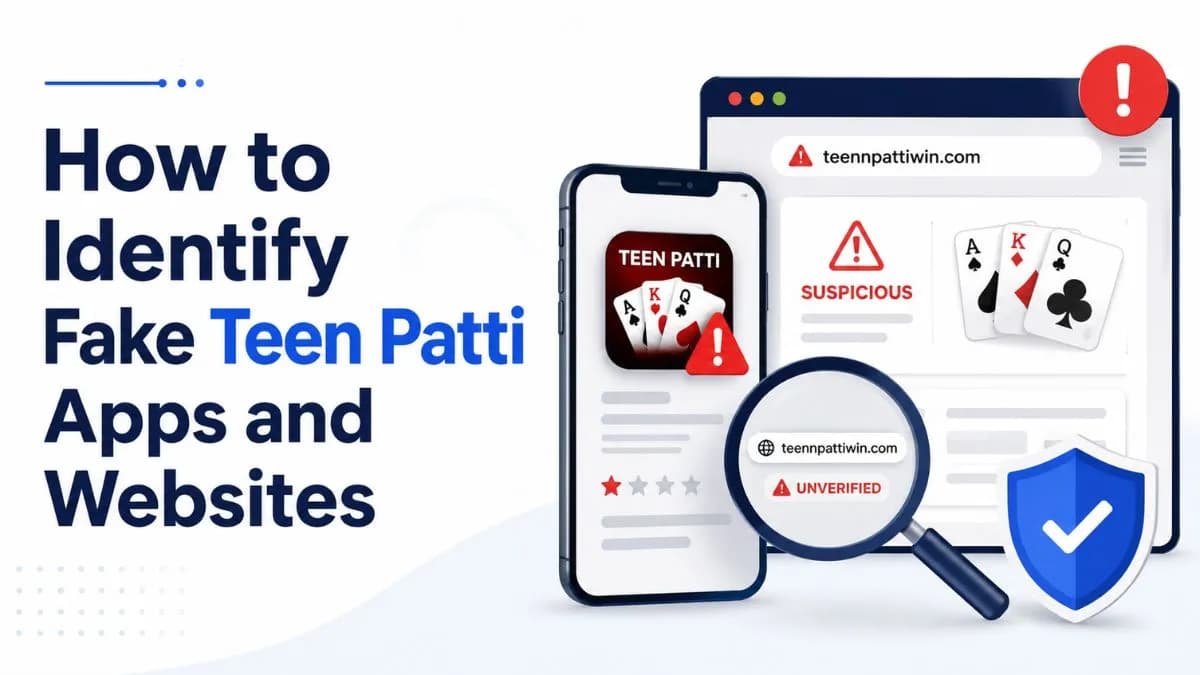
How to Identify Fake Teen Patti Apps and Websites
Cloned icons, lookalike names, tampered APKs, and impersonation pages — the common shapes of fake Teen Patti apps and how to spot each one.
Updated 17 July 2026
Safety and Privacy
Published 17 July 2026 · Updated 17 July 2026
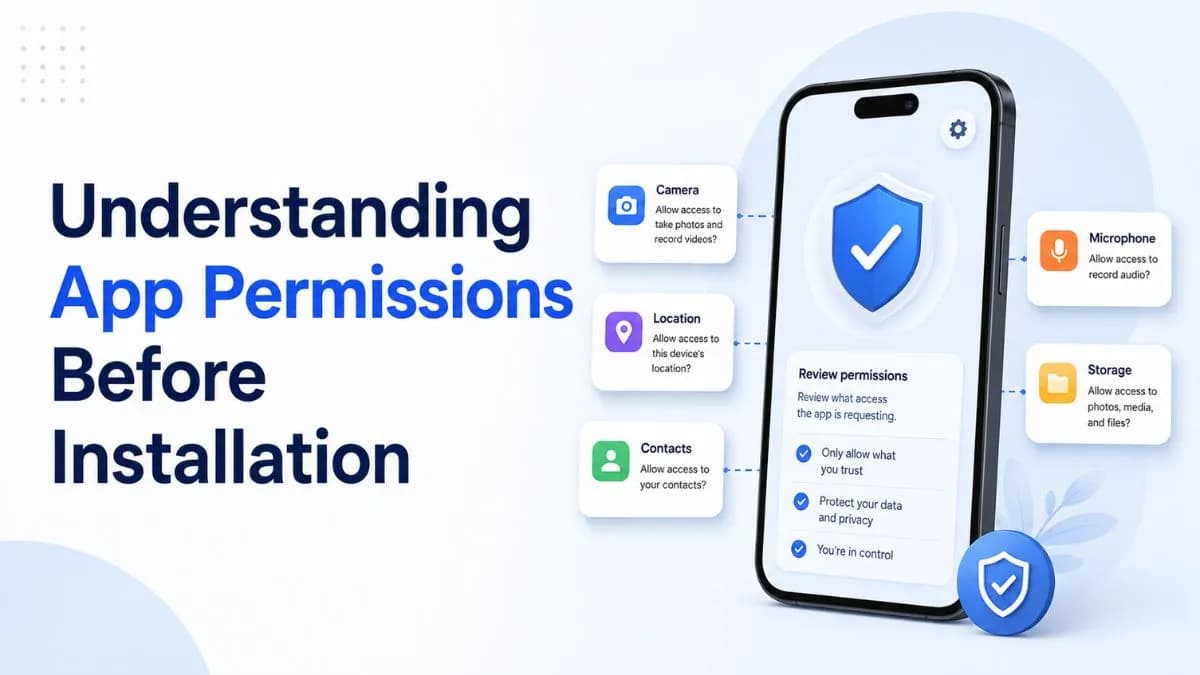
Every Android app must declare what it wants to access, and the install screen is the one moment you see that list with full attention. For gaming apps — a category with more than its share of bad actors — reading it is the cheapest security measure available. This post explains what the common permissions mean in practice, using a card game as the yardstick. The same reading applies to every app in our games directory.
Strip a Teen Patti app to its function — showing you cards and moving chips over the internet — and its needs are short: network access, storage for its own data (which modern Android grants without a special permission), and notifications if you want them. A camera permission is justifiable only where KYC selfie verification happens in-app. That is roughly the whole defensible list.
Before installing, the store listing shows a permissions summary. After installing, Android's per-app settings show what has actually been granted, and modern Android lets you deny individual permissions while keeping the app — a card game denied contacts access should work identically; if it refuses to run, that refusal is information.
Two habits close the loop. First, audit occasionally: settings list which apps hold which permissions, and gaming apps you no longer use should not keep holding grants. Second, remember that permissions are one lens among several — an app can be modest in its permissions and still have terrible withdrawal terms. Pair this check with the operator and terms checks in our platform review guide.
This article is informational only and is not legal or financial advice. This website is an independent directory: it does not operate games, take bets, or process payments. See our editorial policy for how content is researched and updated.
Safety and Privacy
Cloned icons, lookalike names, tampered APKs, and impersonation pages — the common shapes of fake Teen Patti apps and how to spot each one.
Updated 17 July 2026
Responsible Gaming
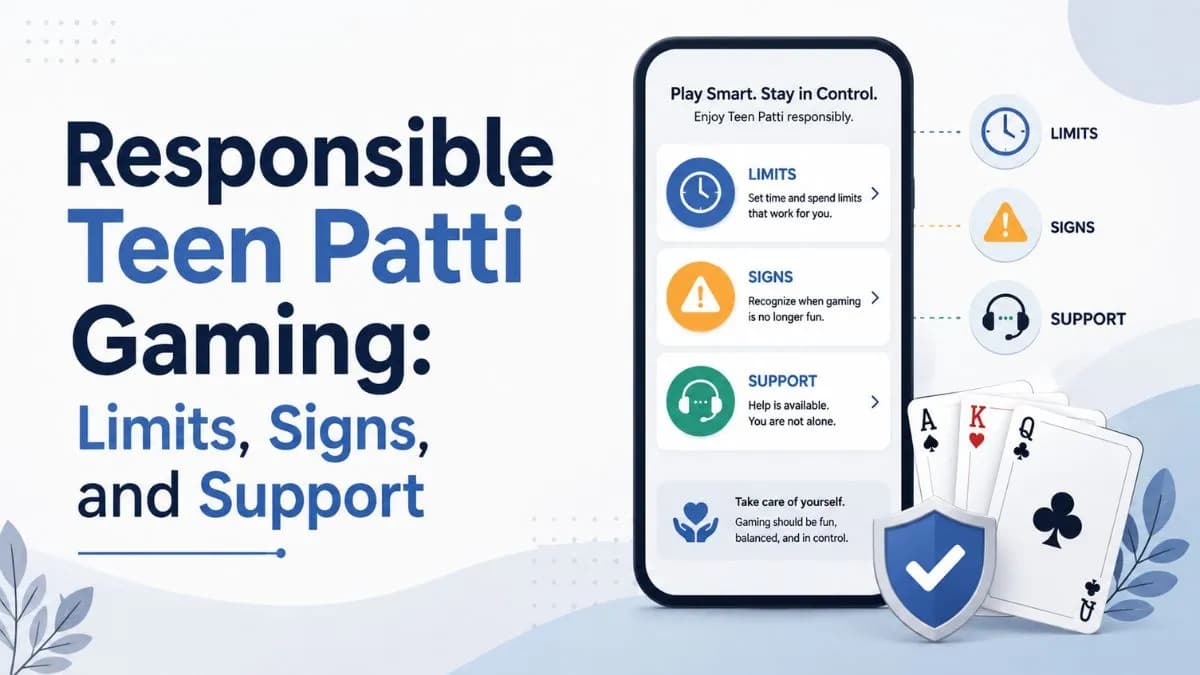
Practical habits for keeping Teen Patti recreational: setting limits before playing, recognising warning signs early, and knowing where support exists.
Updated 17 July 2026